








How to use Meta AI for business in 2026: Tips and how-tos - The Gonzales Inquirer
- Bias Rating
- Reliability
50% ReliableAverage
- Policy Leaning
-18% Somewhat Left
- Politician Portrayal
N/A
Continue For Free
Create your free account to see the in-depth bias analytics and more.
By creating an account, you agree to our Terms and Privacy Policy, and subscribe to email updates.
Log In
Log in to your account to see the in-depth bias analytics and more.
The A.I. bias rating includes policy and politician portrayal leanings based on the author’s tone found in the article using machine learning. Bias scores are on a scale of -100% to 100% with higher negative scores being more liberal and higher positive scores being more conservative, and 0% being neutral.
Sentiments
18% Positive
- Liberal
| Sentence | Sentiment | Bias |
|---|---|---|
Unlock this feature by upgrading to the Pro plan. | ||
Bias Meter
Extremely
Liberal
Very
Liberal
Moderately
Liberal
Somewhat Liberal
Center
Somewhat Conservative
Moderately
Conservative
Very
Conservative
Extremely
Conservative
-100%
Liberal
100%
Conservative
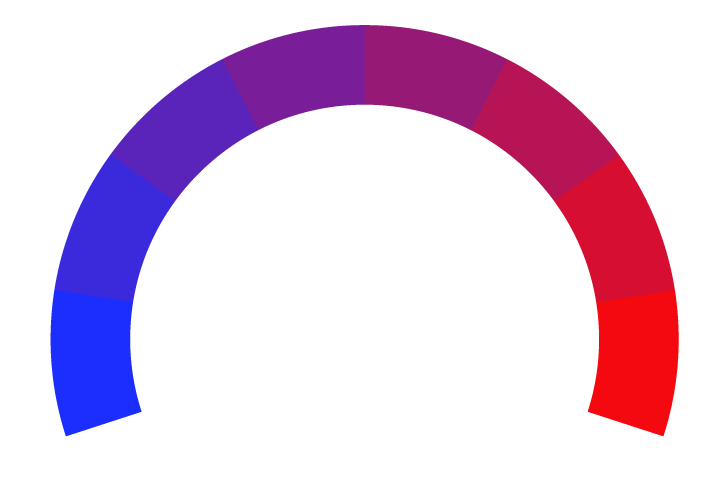
Contributing sentiments towards policy:
59% : Messaging is enabled for your Instagram profile * Business AI set up inside the Meta Business Suite Access point 5: Website integration Website integration remains limited to select regions (U.S. first), but setup follows a similar pattern: This creates a unified conversational experience across ads, messaging, and your own site.*Our bias meter rating uses data science including sentiment analysis, machine learning and our proprietary algorithm for determining biases in news articles. Bias scores are on a scale of -100% to 100% with higher negative scores being more liberal and higher positive scores being more conservative, and 0% being neutral. The rating is an independent analysis and is not affiliated nor sponsored by the news source or any other organization.